Since StarMovie has been released for everyone (or it may be a glitch, it that case check it out now by clicking
here or by going to 'My Page' then 'StarMovie') I decided to make an in-depth view on how to use it, since it is very complicated.
This above is the basic overview of StarMovie. It has the scene at the top and a small arrow pointing to the left to choose the props, costumes, cast and scenery.
The props are the furniture you have in your suite (not storage room),the costumes are your clothes, the sets are your interiors, the cast can be celebrities or your friends and the lines are speech bubbles and text boxes.
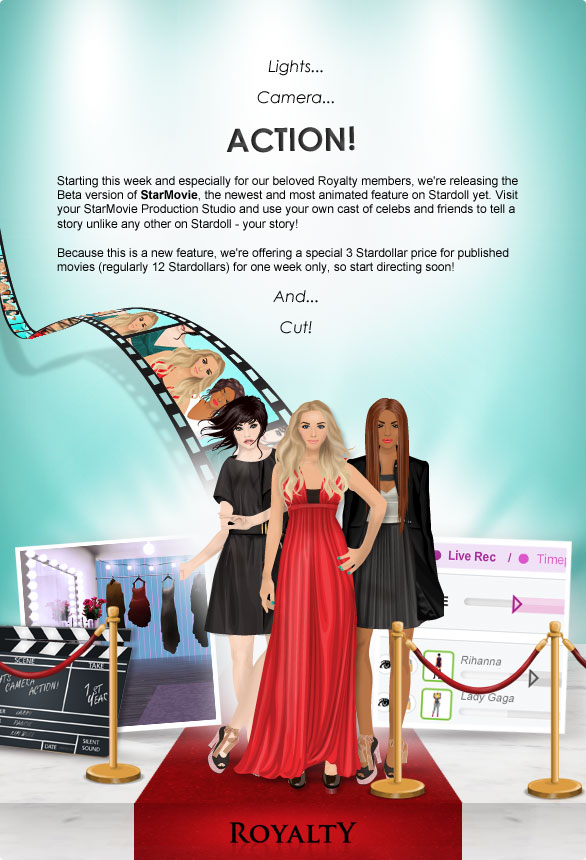
These are the buttons below the scene. The play/stop and the rewind or fastforward buttons and the recording options. There are two recording options: Live Rec (this is where you move an object and it records the moving motion) and the Timepoint Rec (this is where you move an object and it records the shot after the move).
These buttons are next to the previous ones. The buttons are as follows: the help button (click on it and a help window appears), the delete all button (click on it and it deletes your movie), the save movie button (click on it and it saves your 'draft' movie so if you click off StarMovie, when you go back it will be on your last save) and finally the publish button (by clicking on this it opens up the window below.
This is the window that opens up when the publish button is clicked. There is the movie title, you will not be able to type this, the word book opens up to stop people from writing bad movie titles. You can type up your own description however, like I did. It should cost 12 SD, but for some reason Stardoll decided to lower the price (yay!). But since it's 6 SD. it's only for superstars. After you click publish movie, it will be published to the Stardoll video library (a new feature on Stardoll.
This is the Stardoll video library. It shows users' StarMovies, fashion videos (made by Stardoll) and celeb videos (probably made by Posh21 or Elle like the Starblog). To go there, click
here.
Let's get back on to the StarMovie feautures.
This is below the buttons shown previously. There is a timeline at the top to set the length of your movie by dragging the arrows at the sides. Then below, are the objects you placed into the movie. If an object is higher up, it overlaps the other object. Each item dragged onto the movie has a set timeline, to change thsi simply move the pink space left or right and shorten or elongate it using the arrows.
There are options at the side of the objects. The eyes: an open eye means it's visible and a closed eye means it's invisible. There is also a lock, the open lock for items that can be freely moved about and a closed lock makes their timeline go gray and unmovable. Simple click on the eye or the lock to change their settings.
When you add a cast member on your scenery, you will be directed to the dressing room. Here, you can dress your character up, but make sure the items of clothing are on the character otherwise they will not appear on the doll once it's saved.
This was the in-depth view of StarMovie, if you need any more help just click on the Hep button on StarMovie. Thank you for reading.